Vacmaster
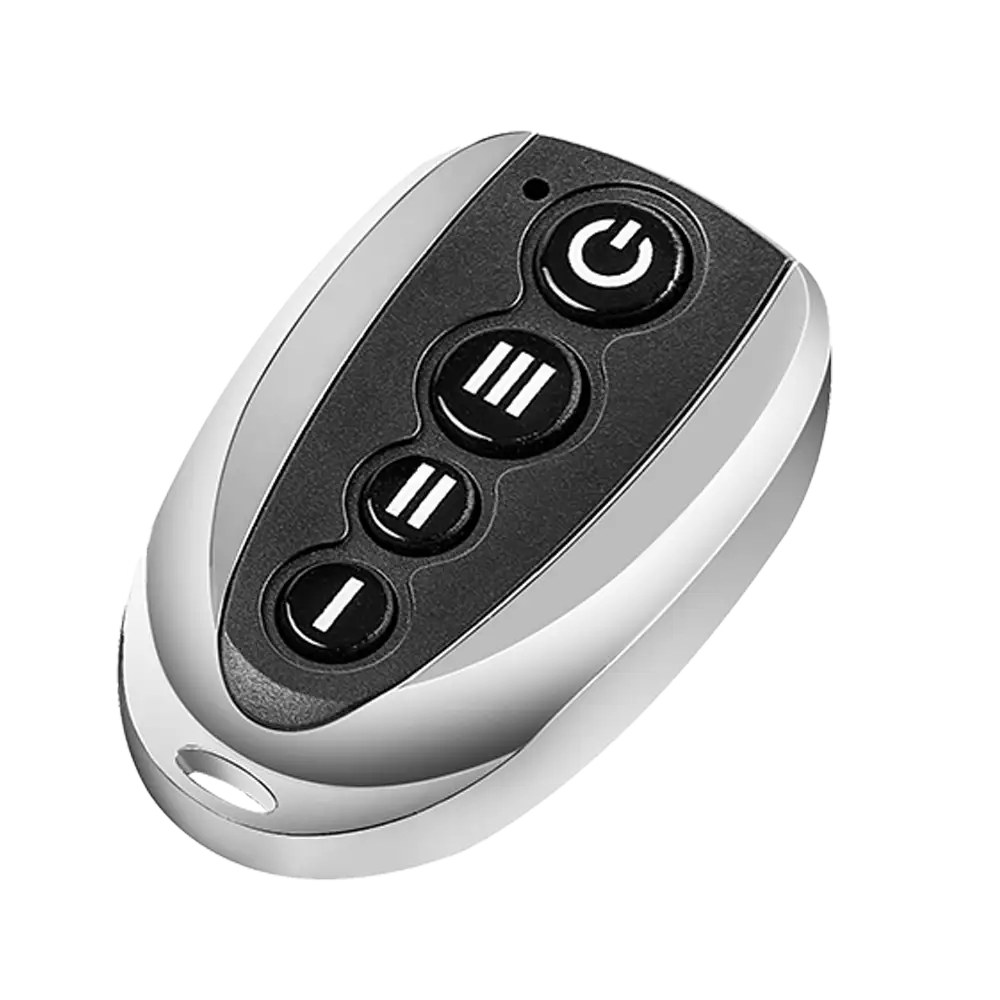
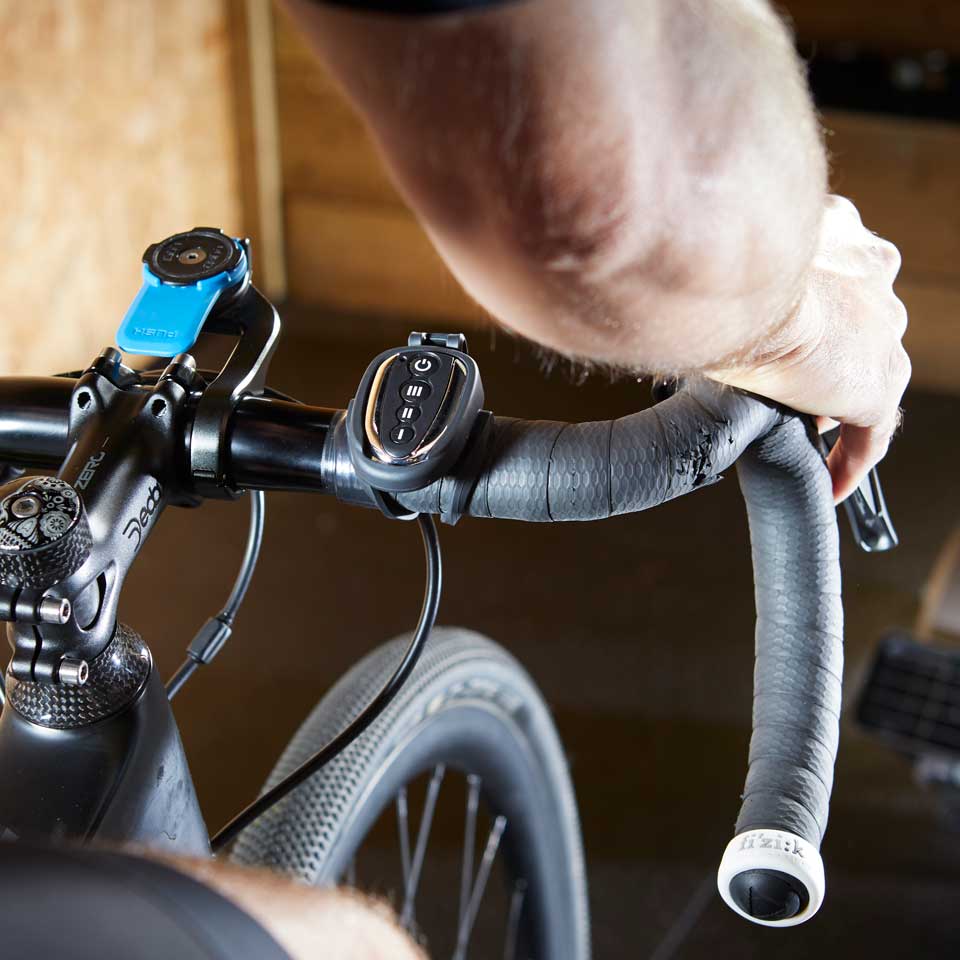
Vacmaster Remote Control for Cardio54® Fan

Replace your Vacmaster® remote to control and adjust the speed of your Vacmaster Cardio54® AM1202R fan. Easy 6-step setup: (1) Ensure the device is off and power button is in 'O' position. (2) Turn fan speed selector to 'Remote Control' setting. (3) Power on fan by pressing power button in 'I' position. (4) Within 5 seconds, press and hold remote power button. (5) Status LED light flashes red. (6) Release remote power button. Compatible only with Vacmaster Cardio54® AM1202R fan.
 New
New

New products
Best offer

 Delivery: 0 days
Cleva

19.99 €
Delivery: 0 days
Updated on June 08, 2026

Amazon

Partner link
Prices are not available for Amazon. You can search directly on their website.